At the office
Use the same managed desktop without depending on a server in the back room.
 219.369.4955
Let's talk
219.369.4955
Let's talk
Cloud desktops by CyberBlue
Give your team a familiar Windows 11 workspace they can securely reach from the office, home, or the road—while business data stays protected inside the virtual machine.
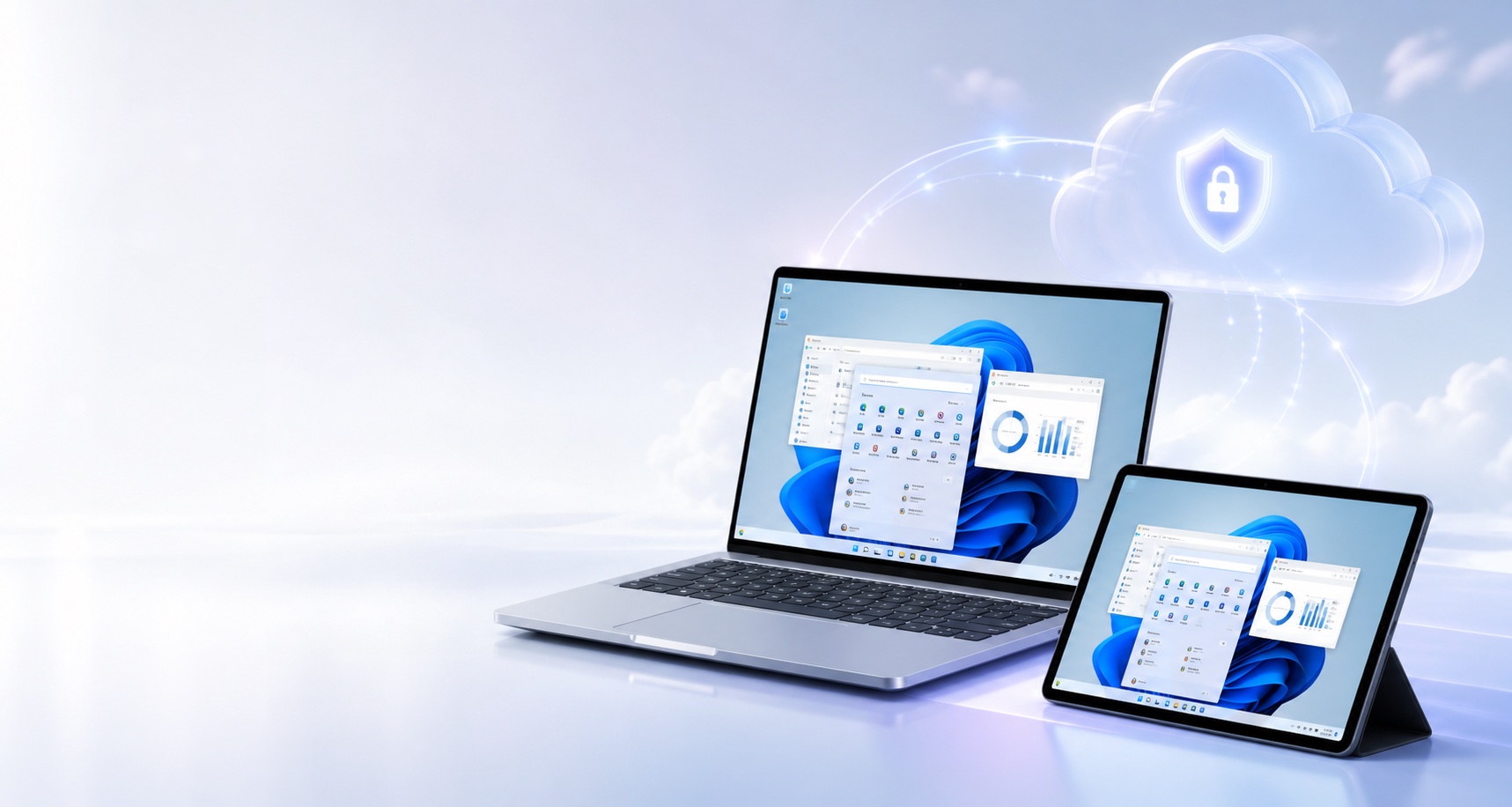
One workspace, wherever work happens
Your applications, files, settings, and company tools live together inside a hosted Windows virtual machine. Sign in from a supported device and your working environment is right where you expect it.
Use the same managed desktop without depending on a server in the back room.
Reach your business workspace without copying sensitive files onto a personal device.
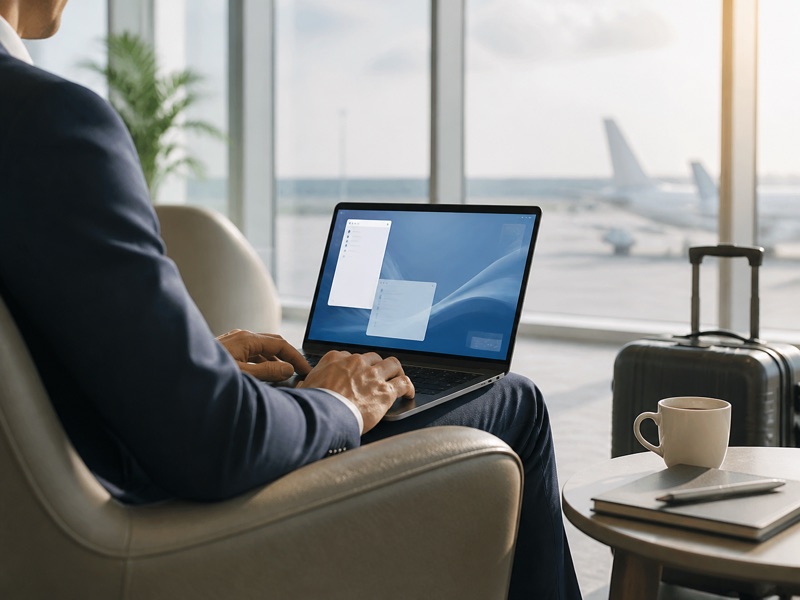
Stay productive from a laptop or tablet with an internet connection and secure access.
Mac in hand. Windows in the cloud.
A hosted Windows desktop lets Mac users connect to a familiar Windows environment without replacing their computer. Sign in securely to reach Windows-based business applications, files, and company resources from macOS, then return to your Mac as usual when the work is done.
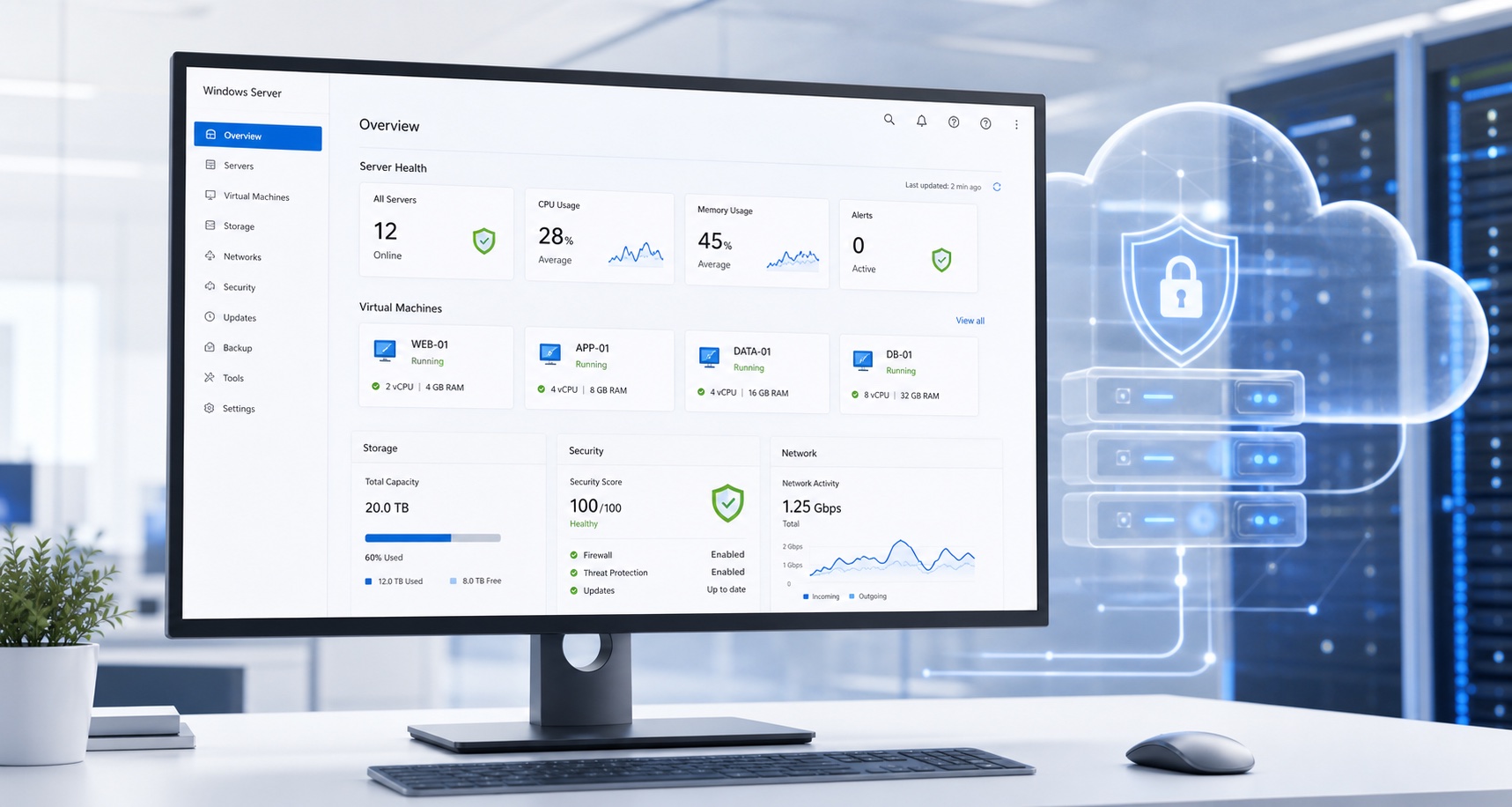
A protected foundation
Windows Server software and cloud infrastructure provide the foundation for your virtual machines. CyberBlue can configure, monitor, update, and support the environment around the way your business works, with off-site AWS backup options available for added continuity.
Bring the server you already use
CyberBlue can host the Windows server your business already depends on inside a managed cloud environment. Your applications, files, and familiar workflows can stay together, but the server is no longer sitting in the office relying on that building's power and internet connection.
If the office loses power or its internet service goes down, the hosted server stays available. Team members can reconnect from home, a secondary connection, or another location and continue working.
Safer by design
A cloud desktop can reduce the amount of business data stored on laptops and other endpoints. Your team sees and works with information through the remote session while the files remain in the hosted environment.
Secure sign-in and access controls help keep the virtual environment limited to authorized users.
Business files can stay in the hosted environment rather than living on every local machine.
We help keep the operating environment maintained, monitored, and ready for your team.
We can build backup and recovery options around the data and continuity needs of your business.
Simple for your team
Open the remote workspace from a supported computer or tablet.
Use your Windows desktop, business software, and files as usual.
End the session while company information remains in the managed VM.
Ready to work differently?
Tell us how your people work today. We'll help shape a cloud environment that feels simple, secure, and right-sized.
Adjust this website to make it more comfortable for you.
Text size